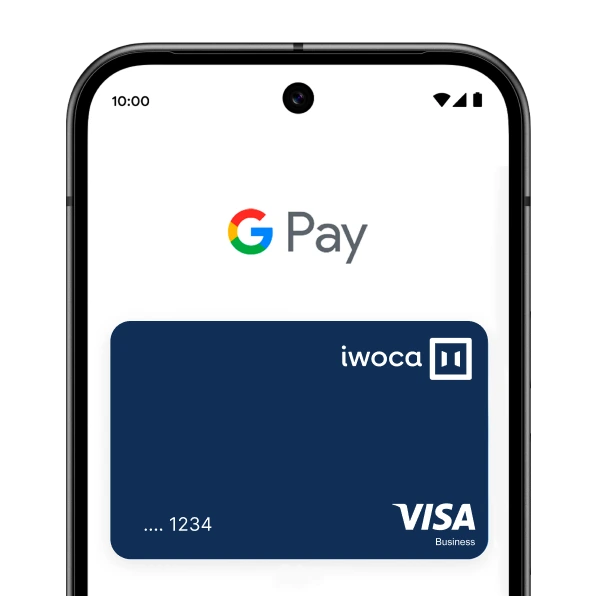




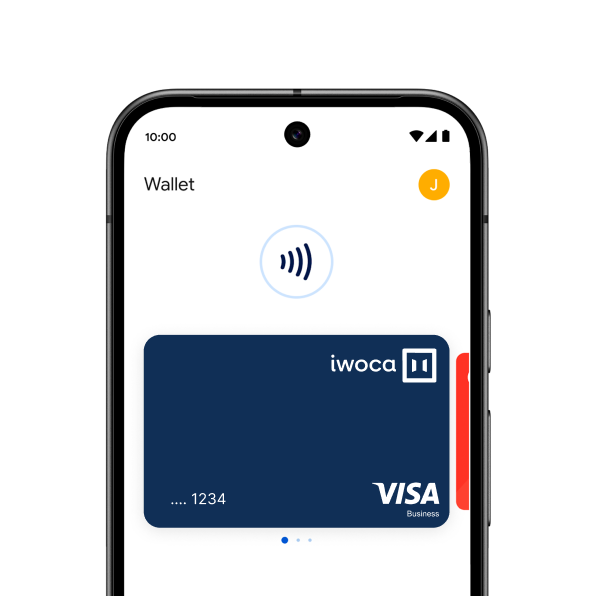
How to add a payment method
The quickest way to add your card is to open the iwoca app and click 'Add to Google Wallet'. You'll just need to follow the onscreen instructions until you reach confirmation.
You can also add your card from within the Google Wallet app.
1. Open the Google Wallet app or download it on Google Play
2. Tap ‘Add to Wallet’ and follow the instructions
3. Verify your card if needed. Then you’re all set!


